Keynomic Beta
You’re invited.


Keynomic is currently available by invitation only. Download the app from the App Store or Google Play, then create your account or sign in.
If you received an invitation code, enter it during signup for immediate access. If you don’t have a code yet, you can still request access directly within the app, and our team will review your request.
What happens next
Download Keynomic from the App Store or Google Play on your device.
Open the app after installation. Sign in if you already have an account, or tap Request Access to create one.
If you received an invitation code, enter it in the “Have an Access Code?” field during signup for immediate access.
If you don’t have a code yet, you can still request access directly within the app, and our team will review your request.
Most users can complete the entire setup in just a few minutes.
How to install Keynomic Beta
Have an access code?
OptionalYES
I received an access code.
Enter it during signup for immediate access.
NO
I don’t have an access code.
Leave the code field blank and submit your request. We’ll review your request and approve access separately.
See what to expect
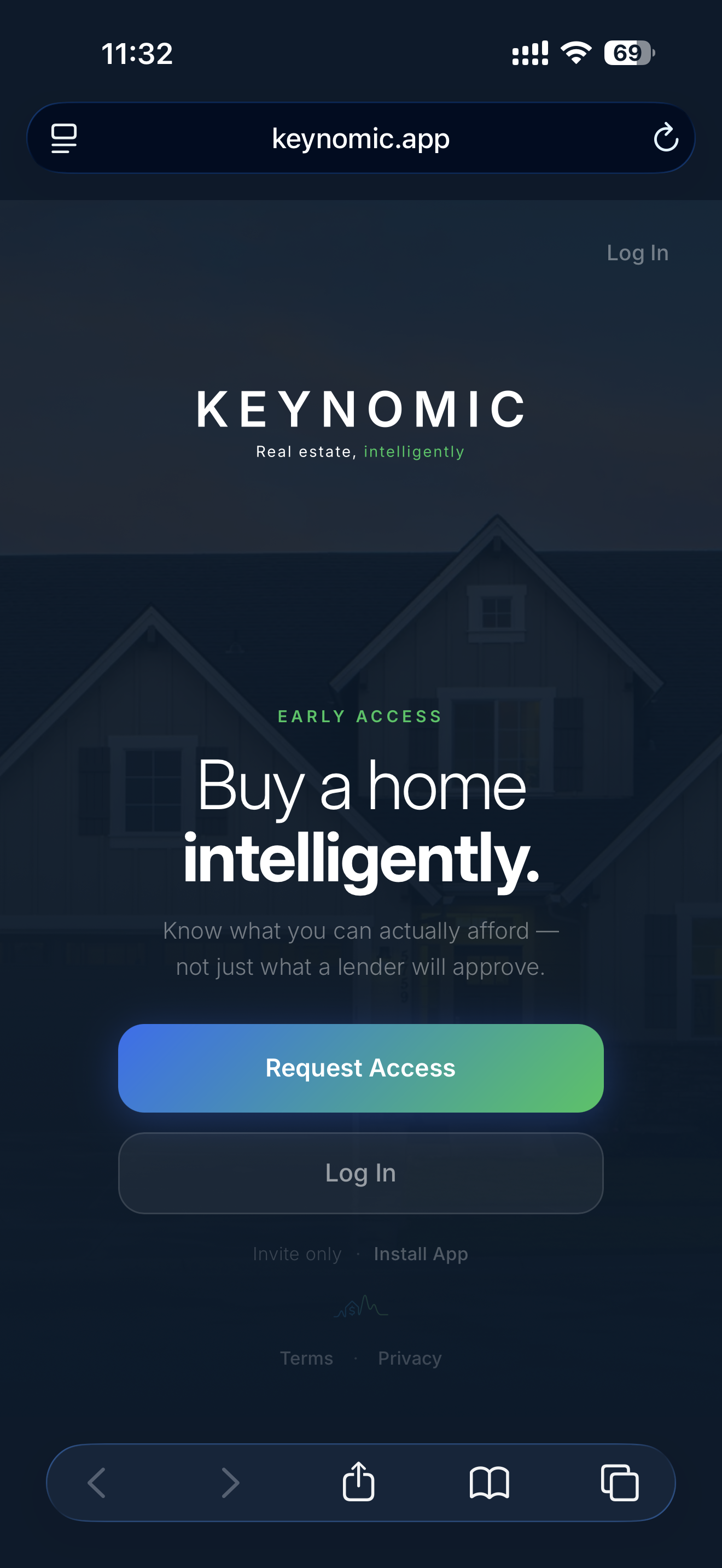
Open Keynomic and tap Request Access.
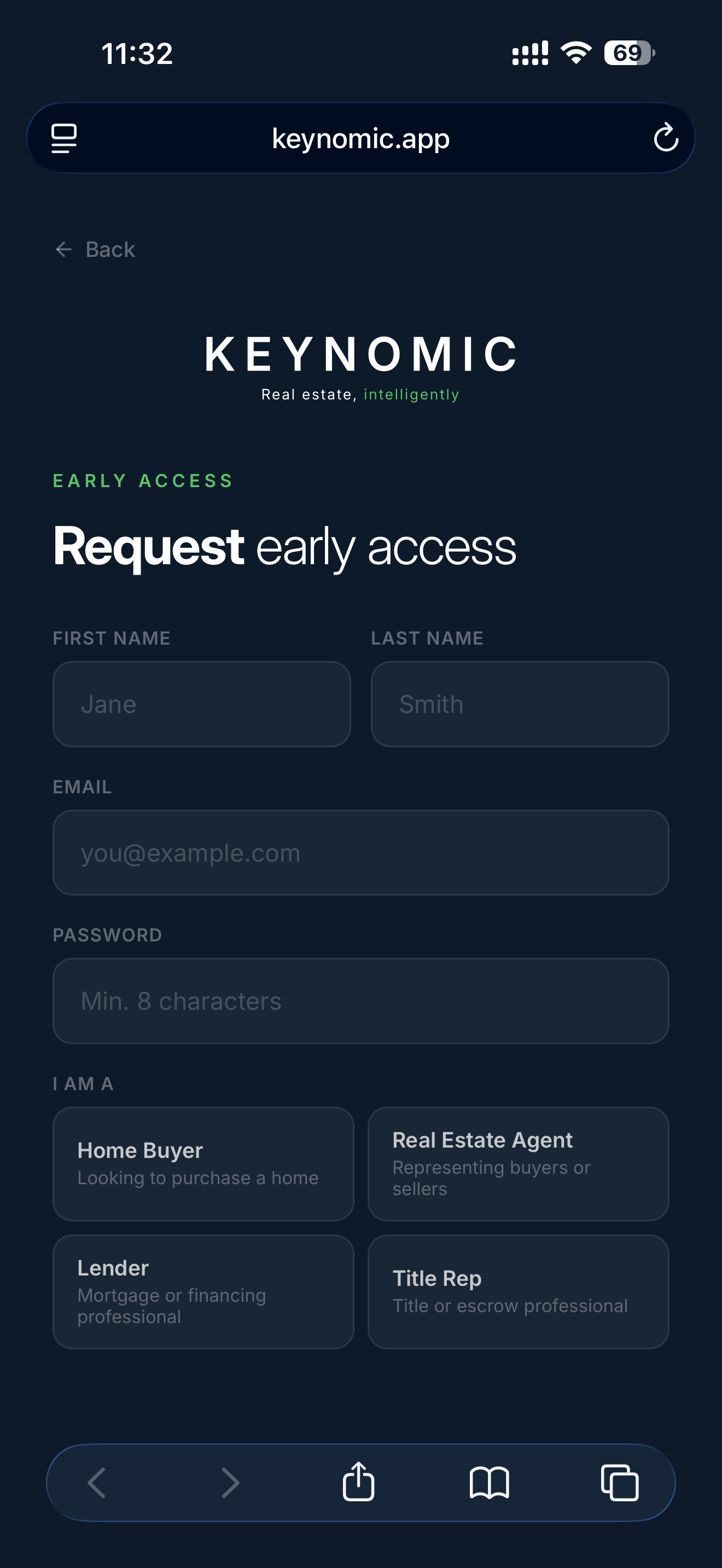
Create your account and select the role that best describes you.
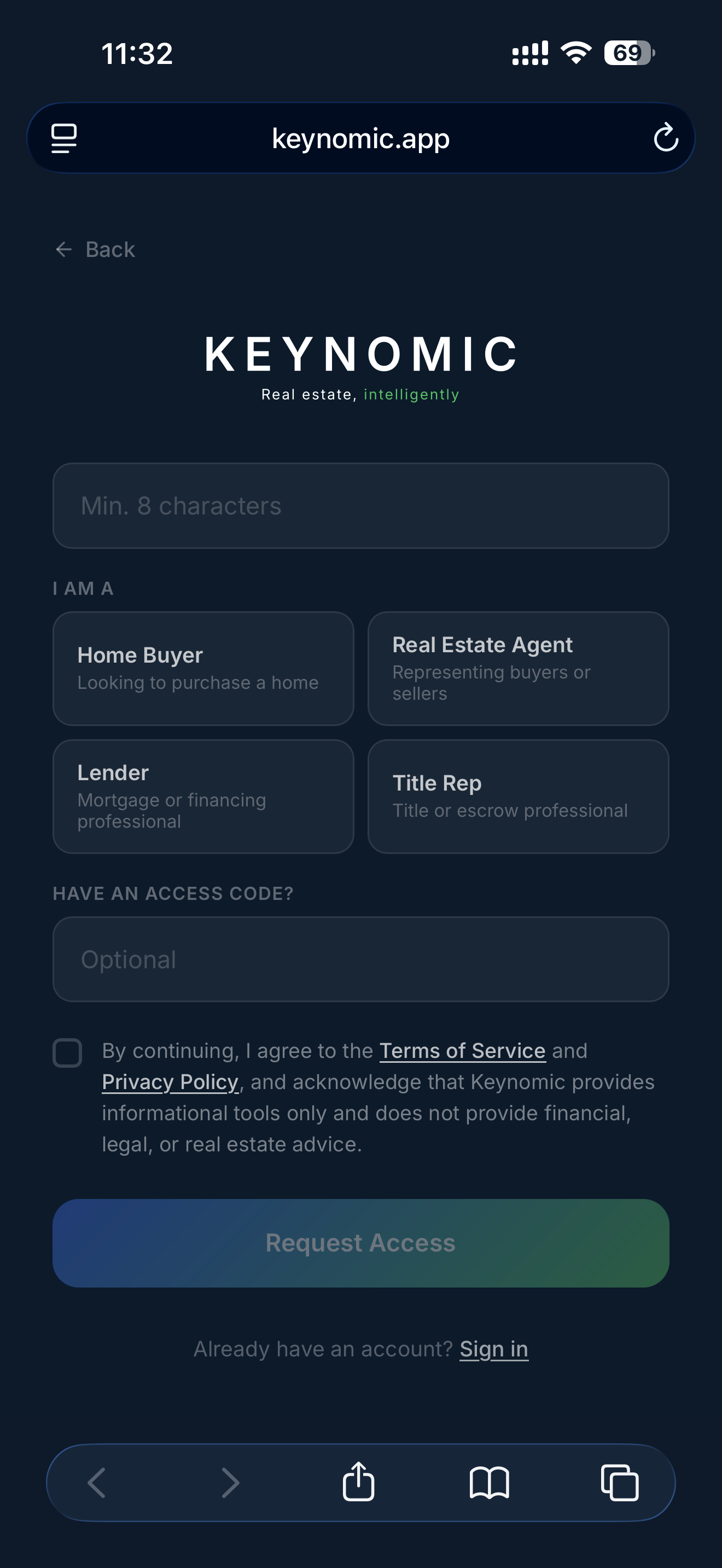
Enter your access code for immediate access, or leave the field blank to submit your request for approval.
Need Assistance?
If you have trouble accessing the beta, installing Keynomic, or signing in, we’re happy to help.
Email: support@keynomic.com
Phone: (888) 808-1560
Please include:
- the email address you used to register
- your device model
- your iOS or iPadOS version
- a brief description of the issue
We’ll get back to you as quickly as possible.
Beta software may contain unfinished features or unexpected behavior. By participating, you agree to Keynomic’s and .